
https://oregontrailgenealogy.com/wp-content/uploads/2026/01/JD-Ranches.kmz
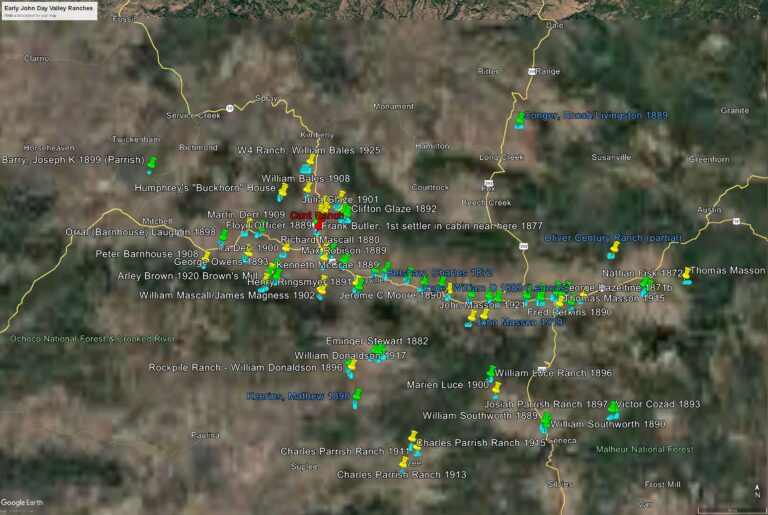
The map image above is taken from a Google Earth presentation of early ranches in the John Day Valley. The map was created in conjunction with my book, “The Cant Interviews – Oral Histories of the John Day Valley – The Annotated Recordings of Royal Jackson in conversation with descendants of early pioneers“, available HERE.
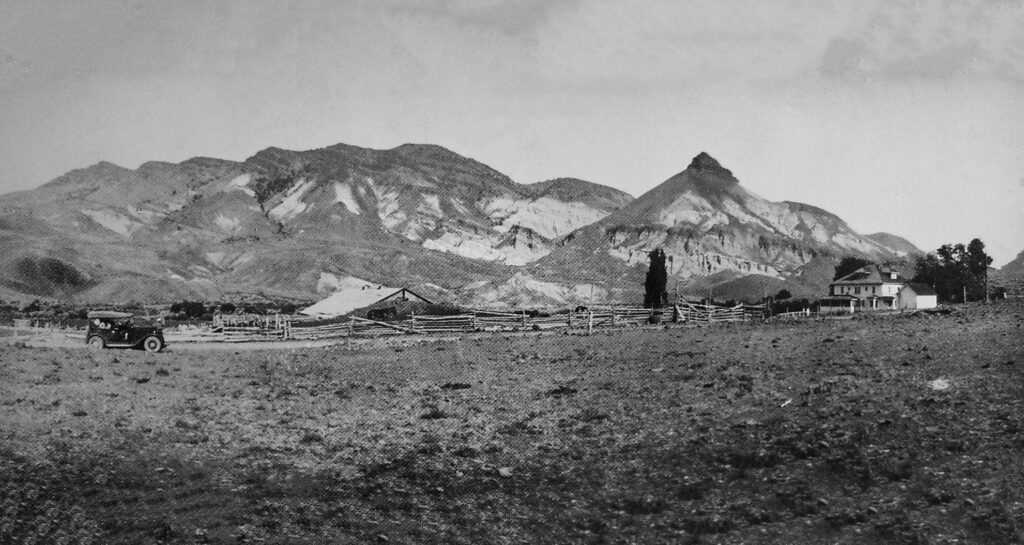
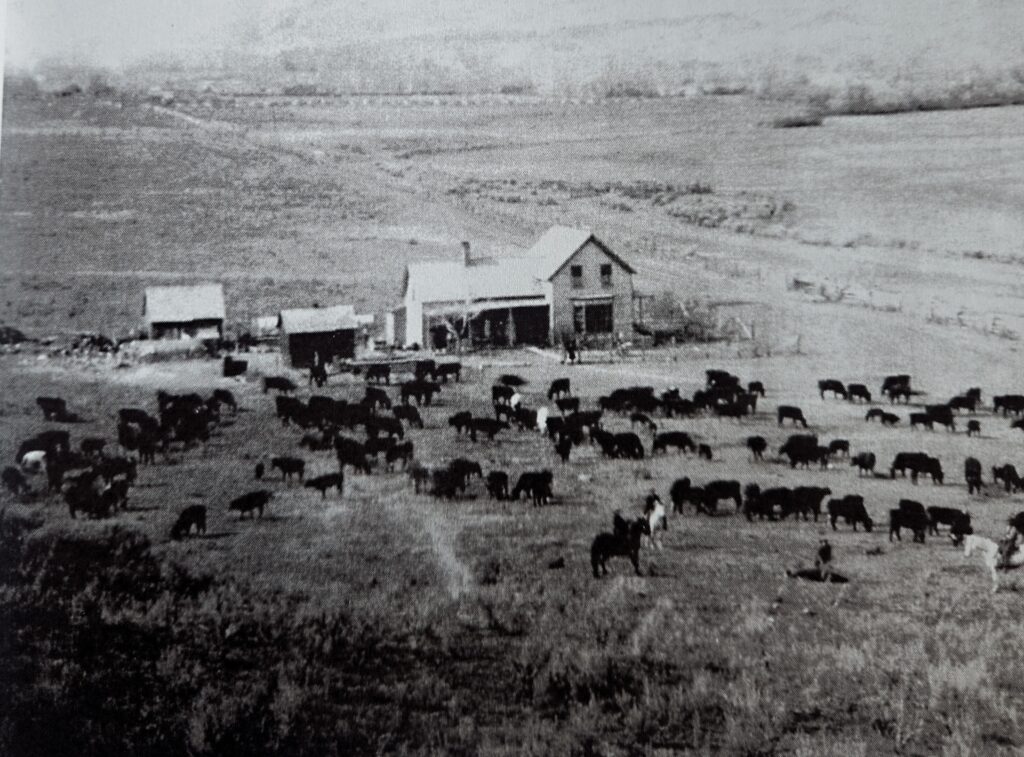
In the early 1980s, Royal Jackson, a professor from Oregon State University, recorded interviews he conducted with the descendants and related family of James & Elizabeth Cant. Most of those interviewed were 70-90+ years old and had vivid memories of their childhood as they grew up on these early ranches. Naturally, because their childhood, their marriages, and their livelihood revolved around the ranches spread between Prairie City and Mitchell, it seemed a map would help to visualize what they were talking about.
The map was produced through an examination of early land patents. In most cases the owners of these ranches held several patents to parcels near and far from their original holdings, land was exchanged through wills and gifts, ranches were bought and sold. The map represents land patents of key families in the John Day area, and in most all cases, represent the first land, the homesteads, that they acquired.
You may have found this site because you are reading “The Cant Interviews”, and like me, wondered where those ranches were in relation each other, wondered what the horseback ride was like to visit a neighbor who may have lived 14 miles away, wondered about the isolation in those early days when “shopping” may have involved two trips per year to The Dalles for supplies.
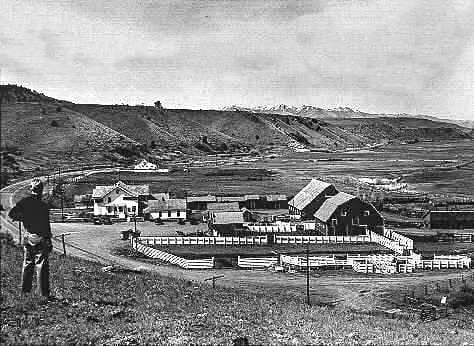
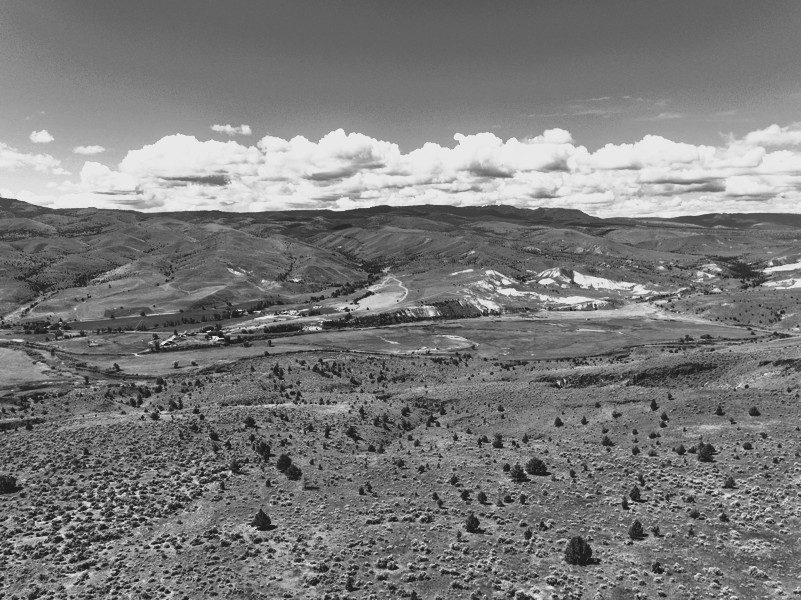
The map shown here, and indeed the one included in the book, do nothing to show the details, distances, and terrain which a view of them on Google Earth reveals. And so, the link provided above is your gateway to those views. Some instructions are necessary for you to see the map on your own Google Earth app.
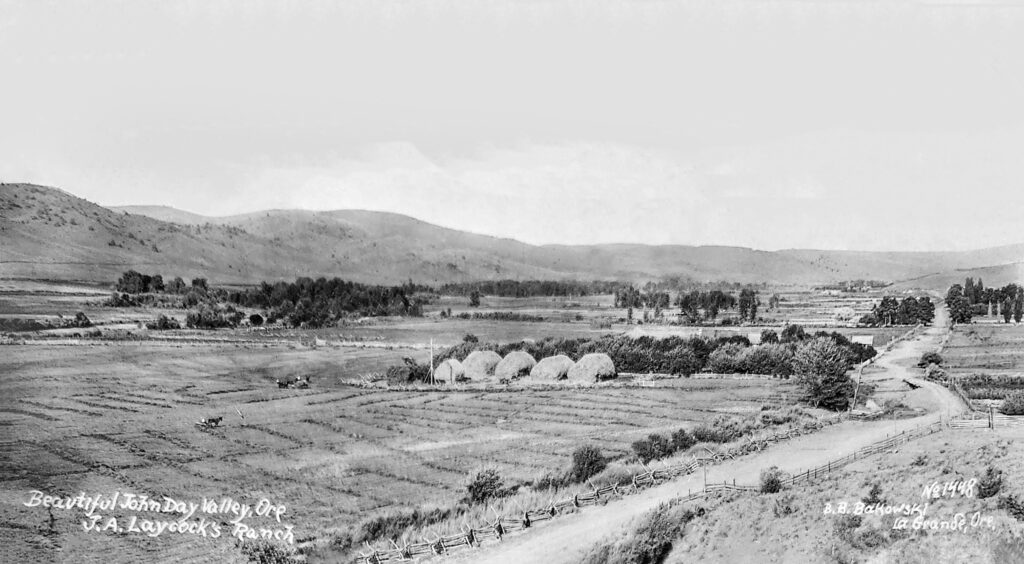
Clicking the link beneath the map image above will open a dialogue box asking if you want to open or save a .kmz file called JD Ranches. You should click Save, to a folder on your computer. Open Google Earth and click File/Open, navigate to where you saved the .kmz file and double click it. The ranches will all appear, along with Placemarks (pins) that are labeled with the family who registered their original homestead. Placemarks in green are land patents prior to 1900, those in yellow are land patents registered after 1900. For a reference point, the Cant Ranch is marked in red. From there you can zoom in on specific ranches, move around and see them in relation to each other, and see how they overlay common places we know today.
Ranches with a blue label are those which have stayed in the original family for more than 100 years and are designated as Century Ranches. “The Oregon Century Farm & Century Ranch Program is a statewide recognition program honoring farmers and ranchers who have worked the same land for at least 100 years. The program is administered through the Oregon Farm Bureau Foundation for Education and is partially funded through a partnership of the Oregon Farm Bureau, Wilco, Oregon State Historic Preservation Office, & OSU Libraries’ University Archives.”
The Land Patents file below is a complete list of data used to create the Google Earth Map, including township, range, and section. The file numbers in the left column are links to the actual land patent file, and in some cases include additional information about the land acquisition, hand-drawn maps and other information.